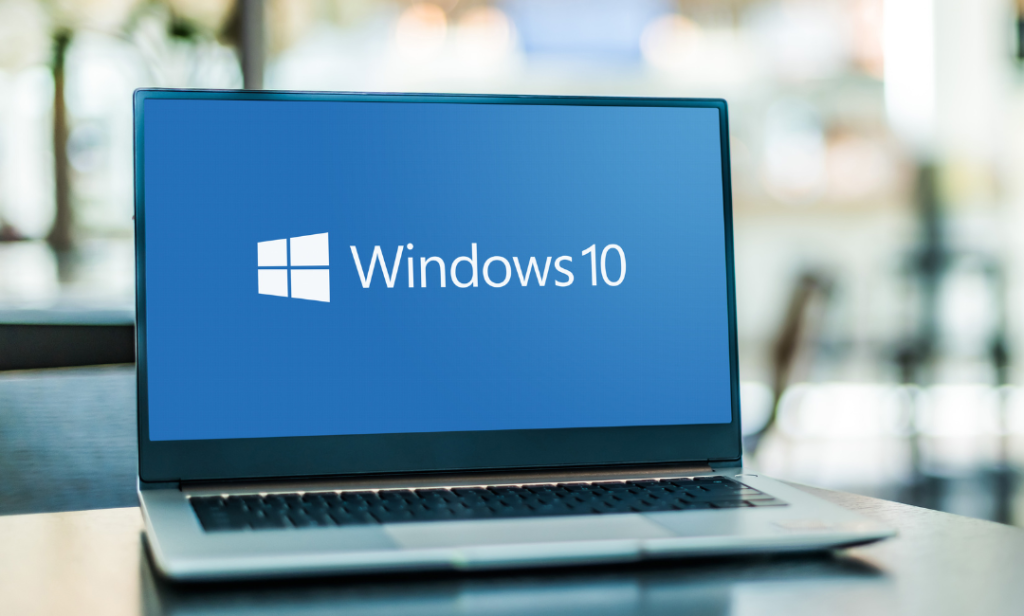
Windows 10 End of Support: What It Means for Your Business
Technology changes fast, and the ways we protect our businesses change just as quickly. As we move through Cybersecurity Awareness Month, this is a good time to take a step back and make sure your systems are ready for what’s ahead.
Microsoft will officially end support for Windows 10 on October 14, 2025. After that date, there won’t be any new security updates or patches, which means older systems will be much more vulnerable to cyber threats.
For small businesses still using Windows 10, especially on older computers, this is an important time to plan your next move.
What Should You Upgrade To?
The best option is Windows 11. It’s faster, more secure, and built for today’s business needs. If your hardware isn’t compatible, our team at Rappahannock IT can help find the best upgrade or replacement solution that fits your goals and budget.
What Happens If You Don’t Upgrade?
Your computer will still run, but without security updates, it won’t stay protected for long. Even something as simple as checking your email or browsing the web could put your data at risk.
How Rappahannock IT Can Help
Upgrading doesn’t have to be a headache. We’ll review your current systems, confirm what’s ready for Windows 11, create an upgrade plan that minimizes downtime, and take care of any hardware recommendations and setup. You focus on your business, and we’ll handle the tech.

Don’t Let Cyber Threats Creep In 👻
- Building strong cybersecurity habits makes a huge difference in keeping your team and data safe all year long. These simple steps go a long way toward protecting your business.
- Back Up Your Data Automatically
- Make sure your important files and documents are stored in a secure, encrypted cloud. Set up automatic backups and test them every few months to confirm they’re working.
- Run a Quarterly Security Check
- Spend 15 minutes each quarter making sure your firewall, antivirus, and multi-factor authentication are active. This is also a great time to remind your team what phishing emails look like and how to report anything suspicious.
- Keep Devices and Software Up to Date
- Turn on automatic updates for your systems, browsers, and apps. For anything that doesn’t update automatically, install the latest patches every month.
- Staying proactive with updates, awareness, and planning helps small businesses stay both protected and productive so you can focus on what matters most.
Behind the Screens: The Humans Behind the Code 🎬
At Rappahannock IT, we believe that technology should feel personal. Our team runs on collaboration, good humor, and a shared goal of making our clients’ tech lives easier.
Want to see what keeps us smiling behind the scenes? Click here to watch the Rappahannock IT crew laugh it off.
And if you want more tech tips, local business highlights, and team moments, follow us on Instagram to stay connected!